
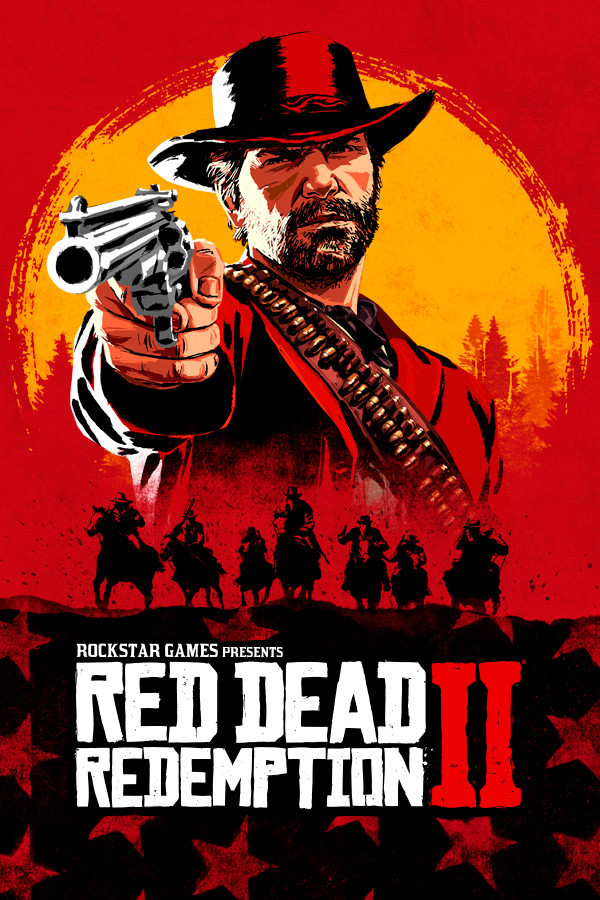
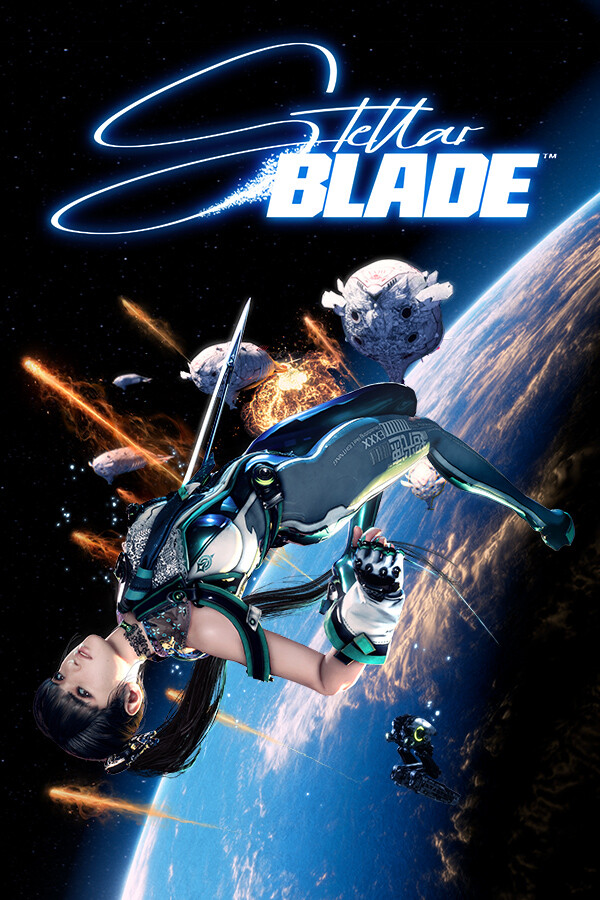
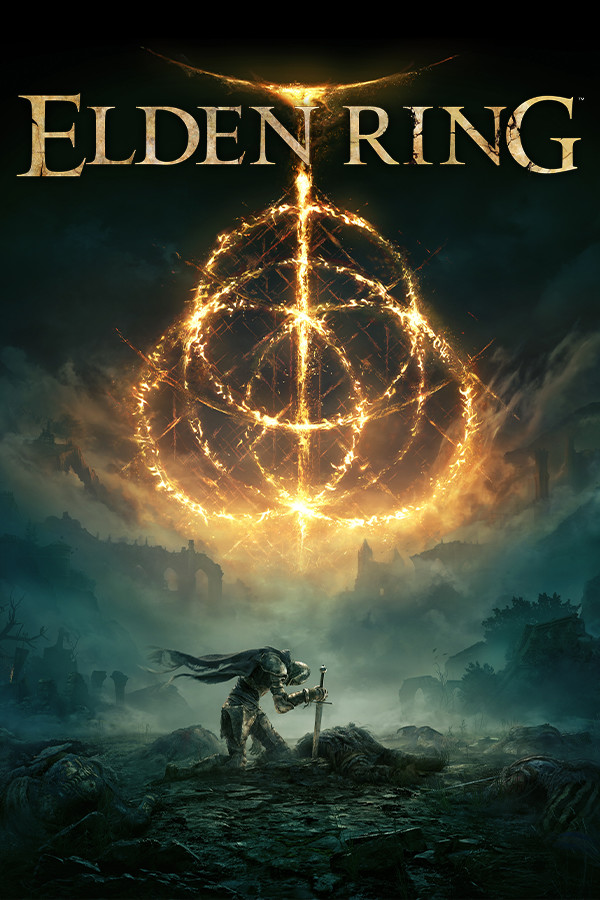
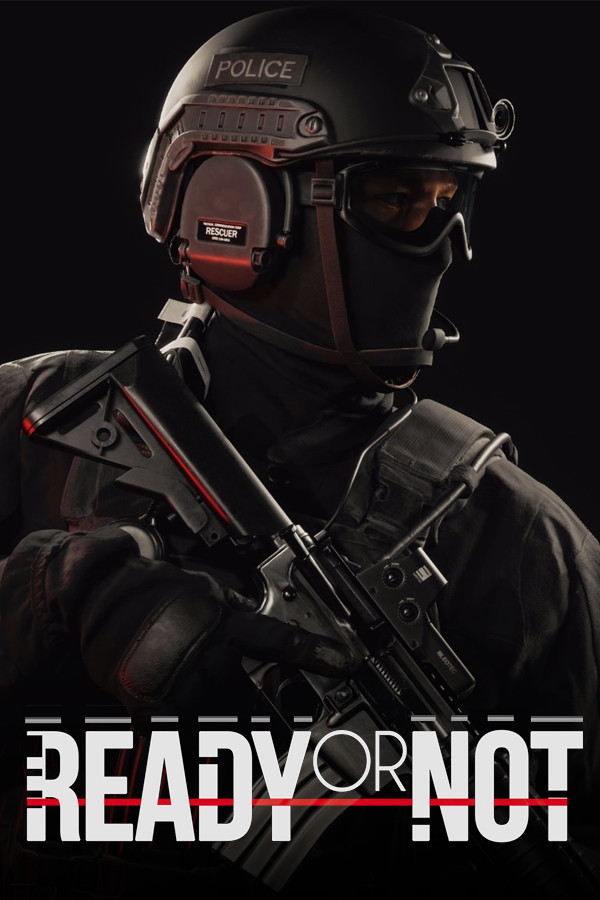


Every mod on Modhold, one click into your game
The Modhold app installs mods straight into MO2 and Wabbajack, sets up the games that don't use them, keeps every mod up to date and puts a whole loadout in at once. Free, with or without the Pass.
Version 1.0.25 · 67 MB · Windows 10 and 11 · updates itself
One-click installs
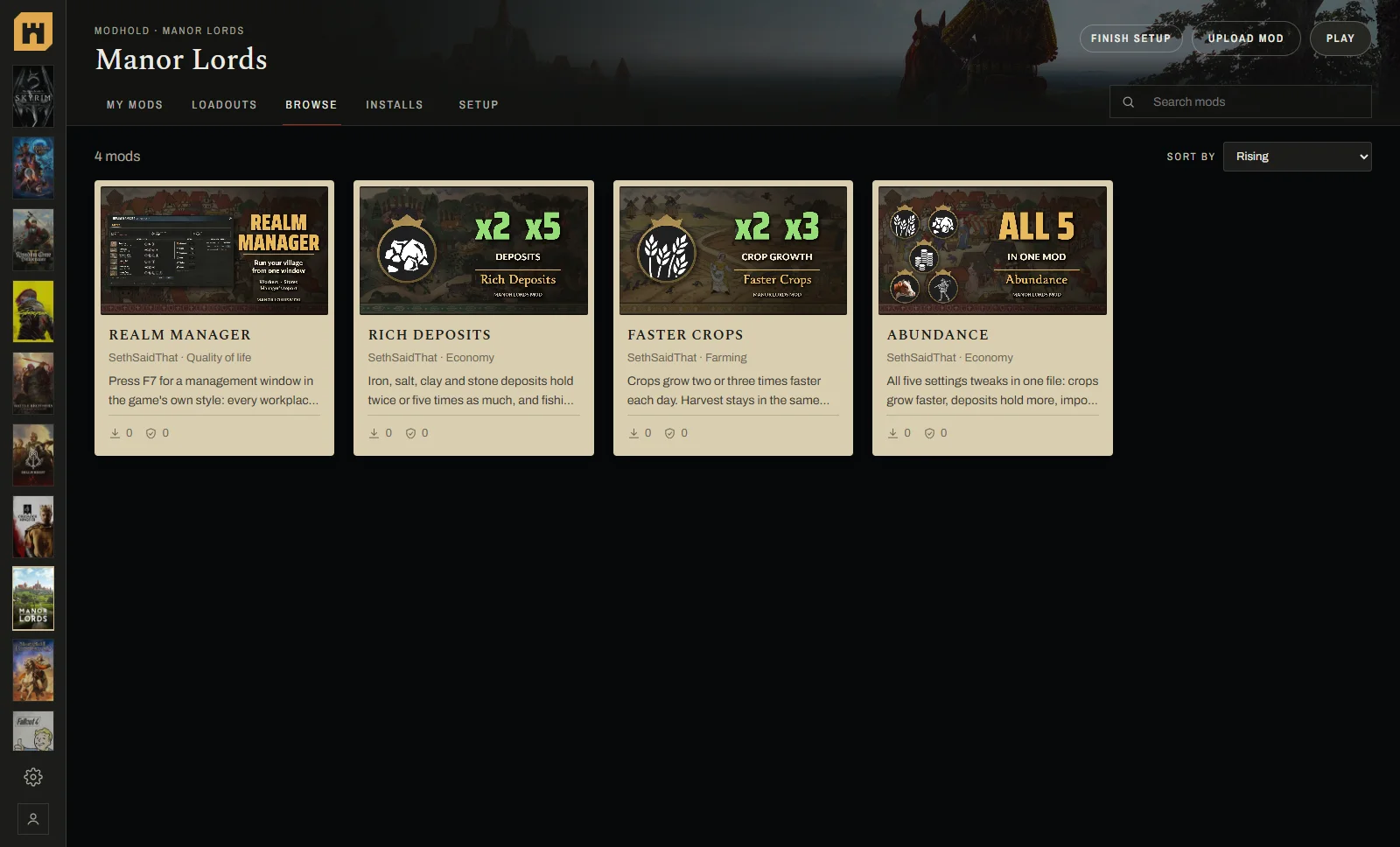
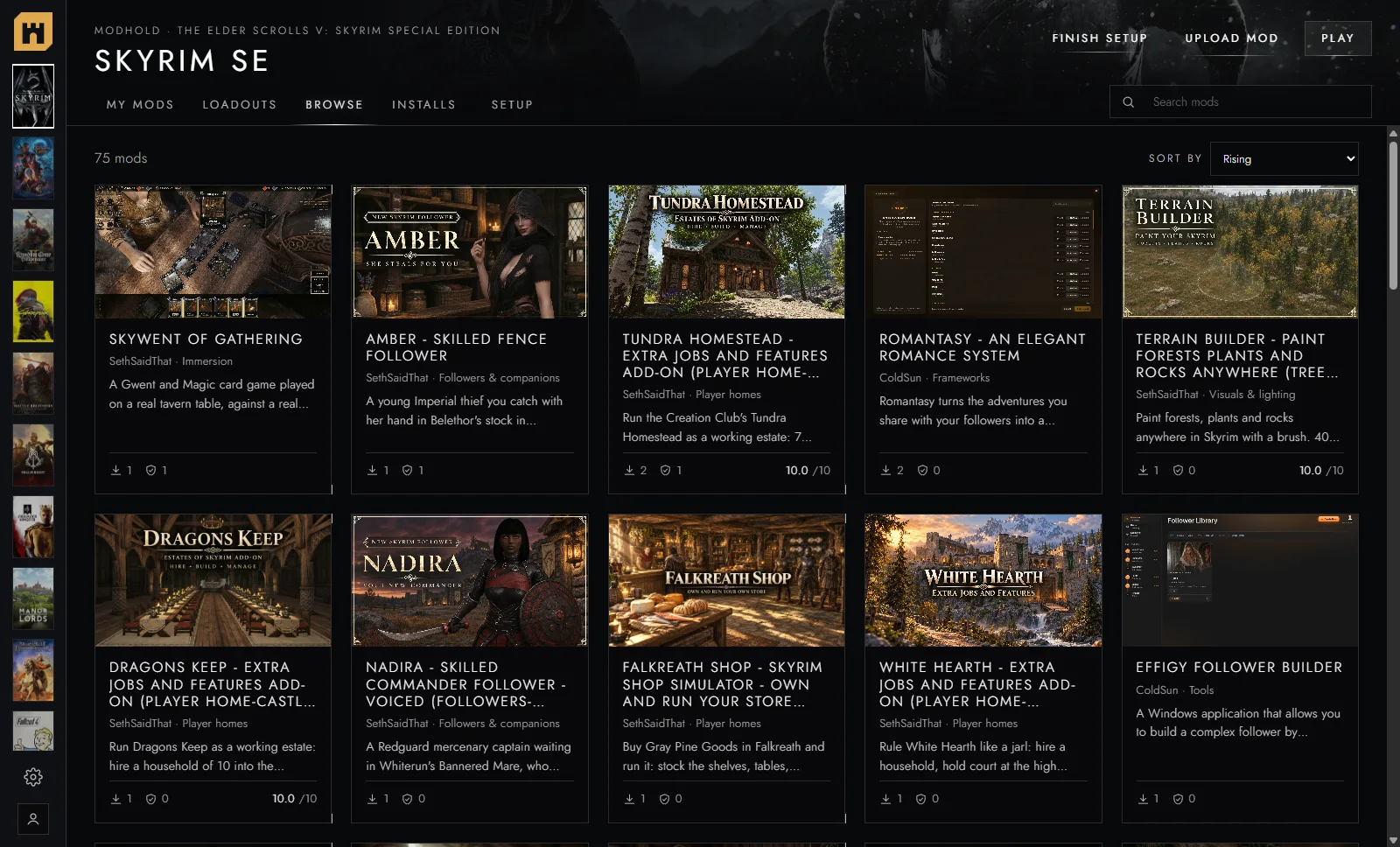
Press Install on any mod, in the app or on the site. It goes into your game, install menus and all.
Checked every time
Every file is virus scanned on Modhold, and the app checks it's the exact file the author uploaded before anything goes in.
Always up to date
My mods shows the version you have and the newest one, with an Update button on each mod that has a newer version.
Find it, press Install, play
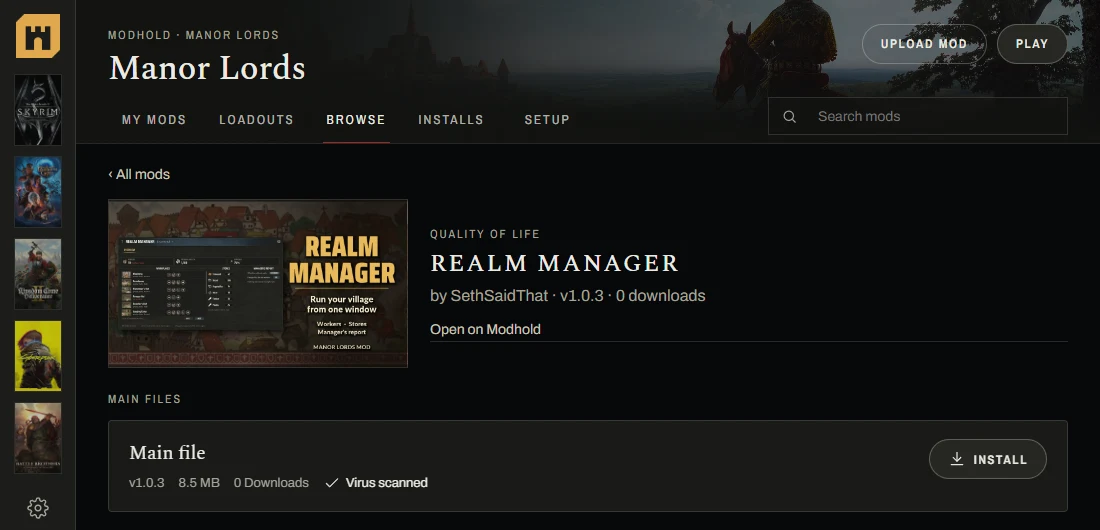
Browse every game's mods right in the app, open one, and press Install. The app downloads it, checks it, and hands it to your MO2 or Wabbajack setup, which installs it with its own install menu.
No hunting for folders, no unzipping, no dragging files around.

MO2 and Wabbajack made easy
New to them? Get MO2 downloads MO2's official installer, and Get Wabbajack opens Wabbajack's site.
Already have them? The app finds your setups by itself, Nolvus and every Wabbajack list included, and adds the Modhold plugin in one click.
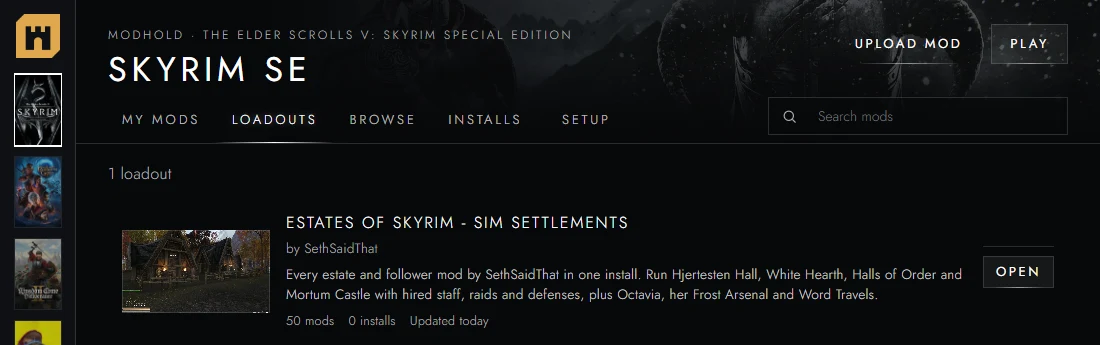
A whole modlist in one go
Pick a loadout and the app installs every mod in it, in its order, into a new MO2 profile of its own.
Your own profiles are never touched, so you can try a loadout and go back any time.
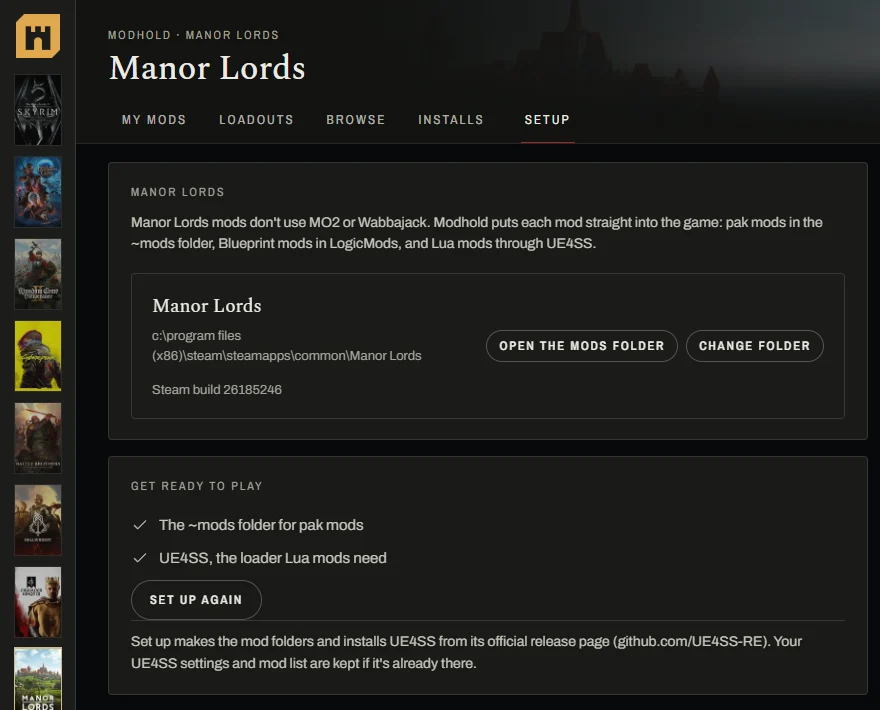
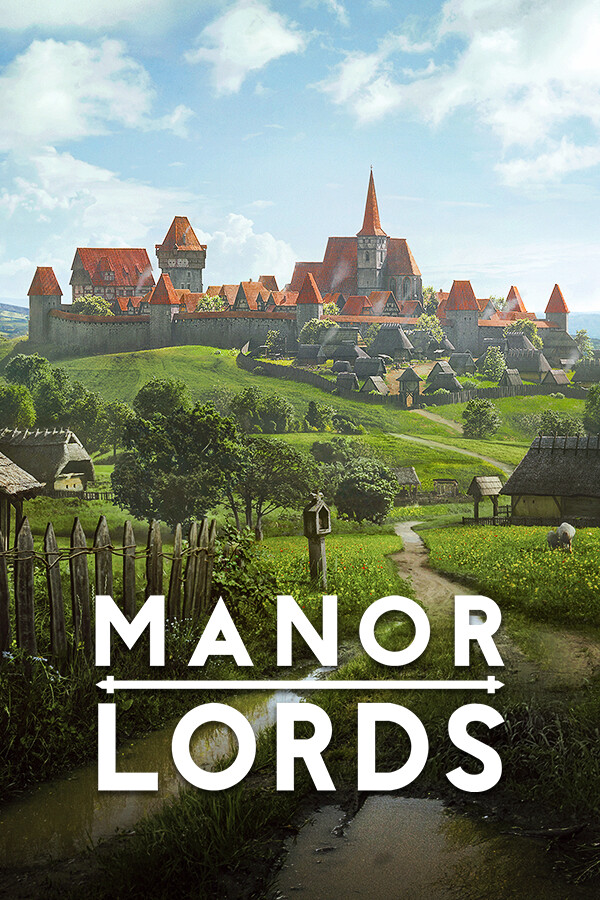
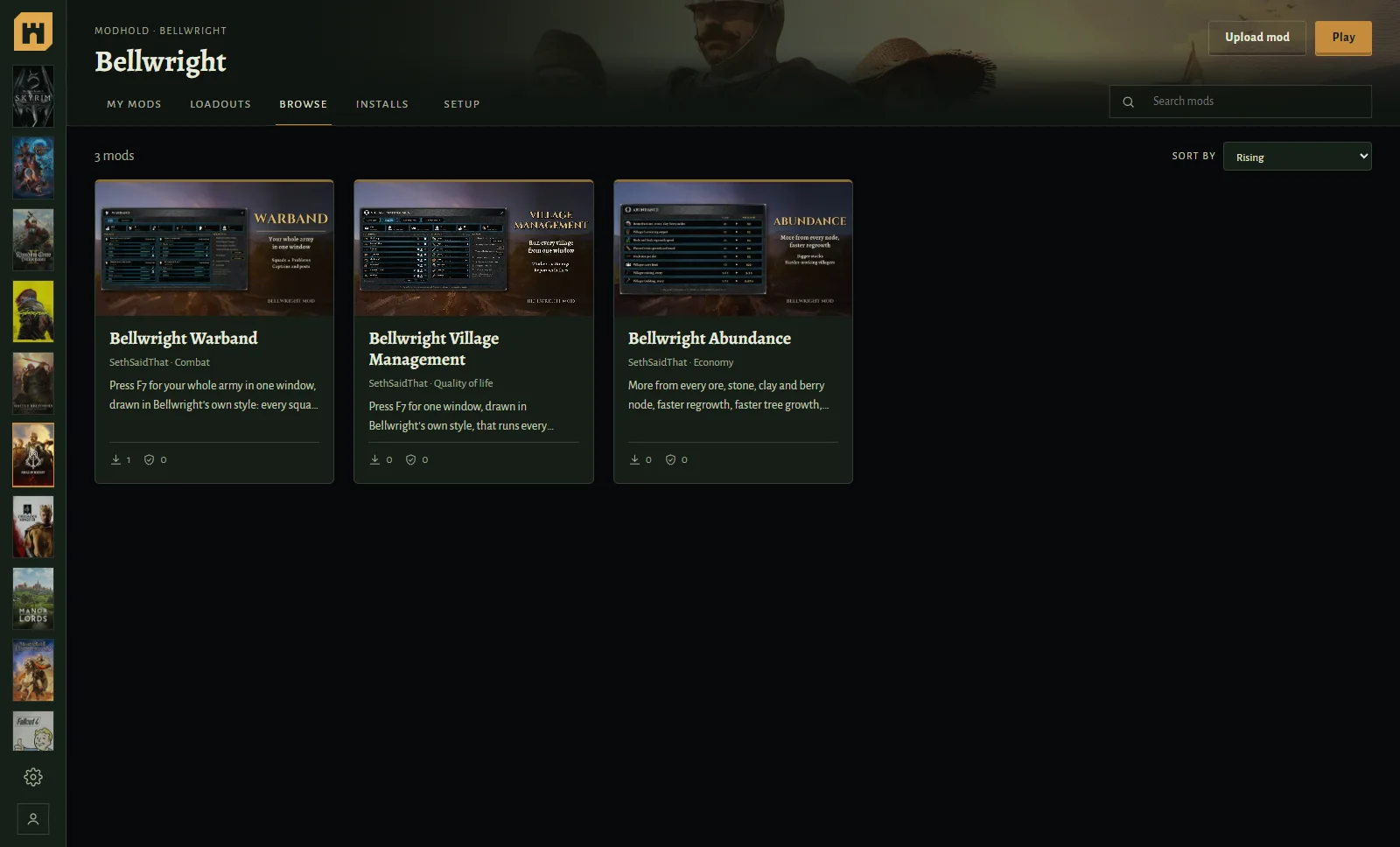
Manor Lords, Bellwright, Stardew and more
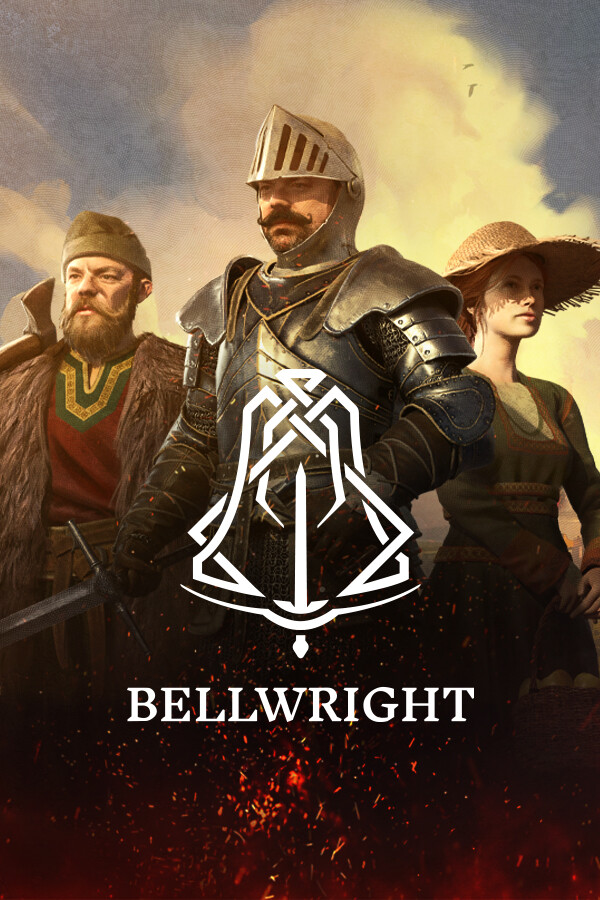
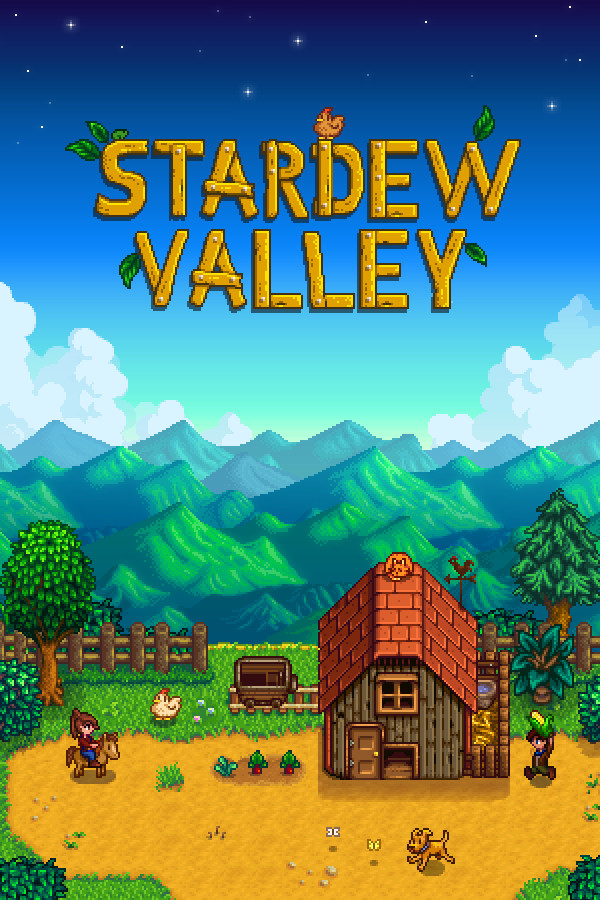
Some games don't use MO2. For those the app does the setup itself: it installs UE4SS for Manor Lords and SMAPI for Stardew Valley, and puts each mod where the game reads it.
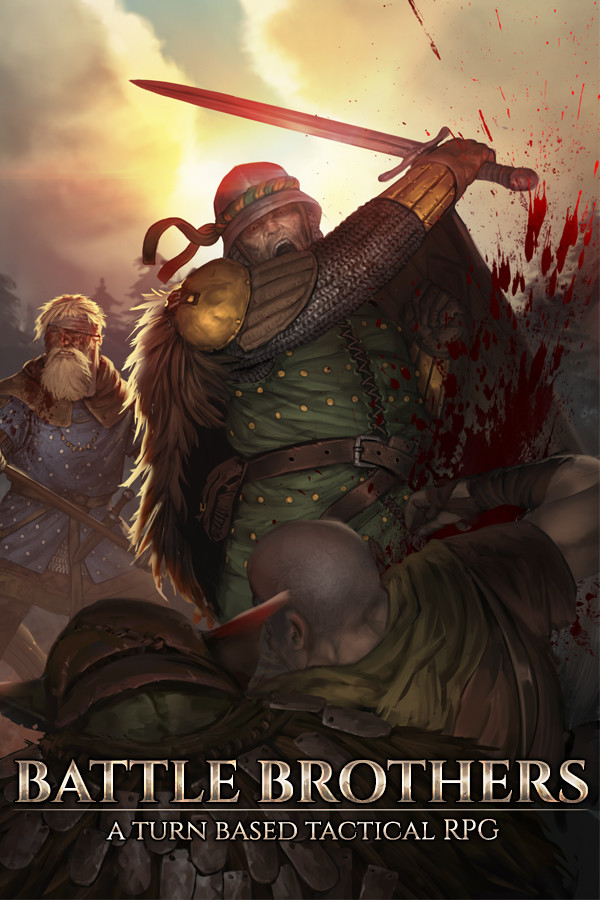
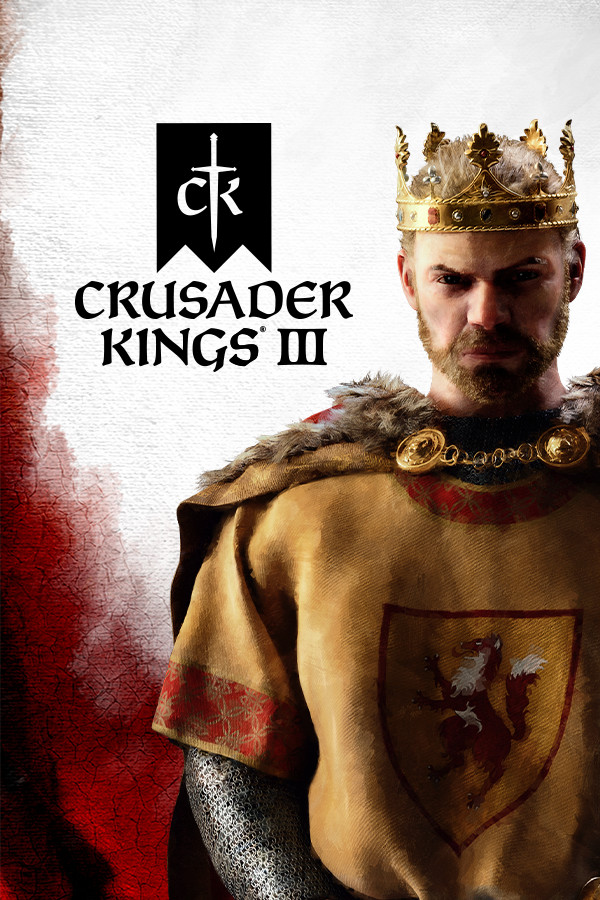
Bellwright, 7 Days to Die, Kingdom Come: Deliverance II, Battle Brothers, Baldur's Gate 3, World of Warcraft add-ons, Minecraft and Crusader Kings III work the same way, and My mods takes any of them out again with Remove.
Every game gets its own look
Pick a game on the left and the whole app changes to fit it: its colours, its fonts, its art.
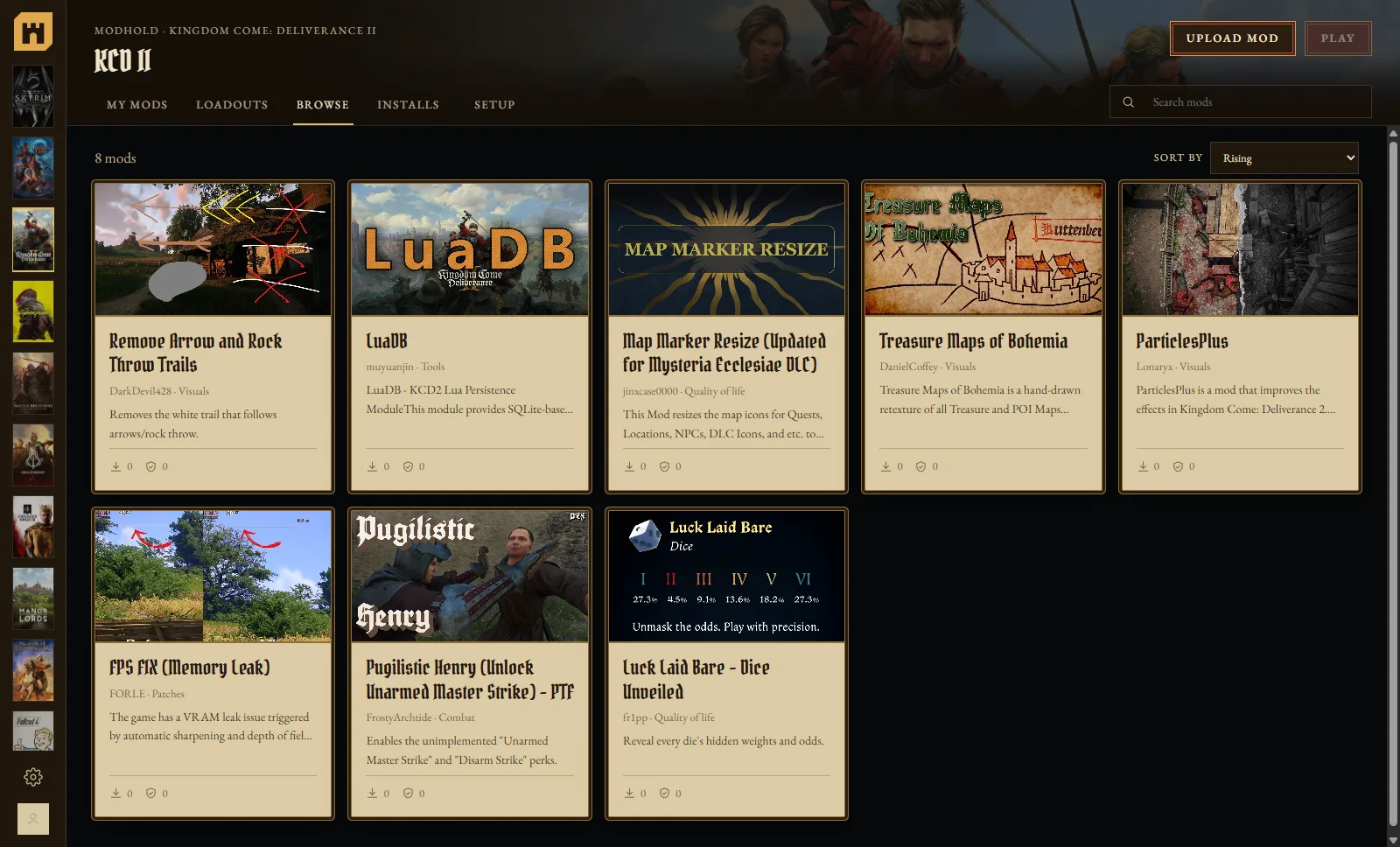
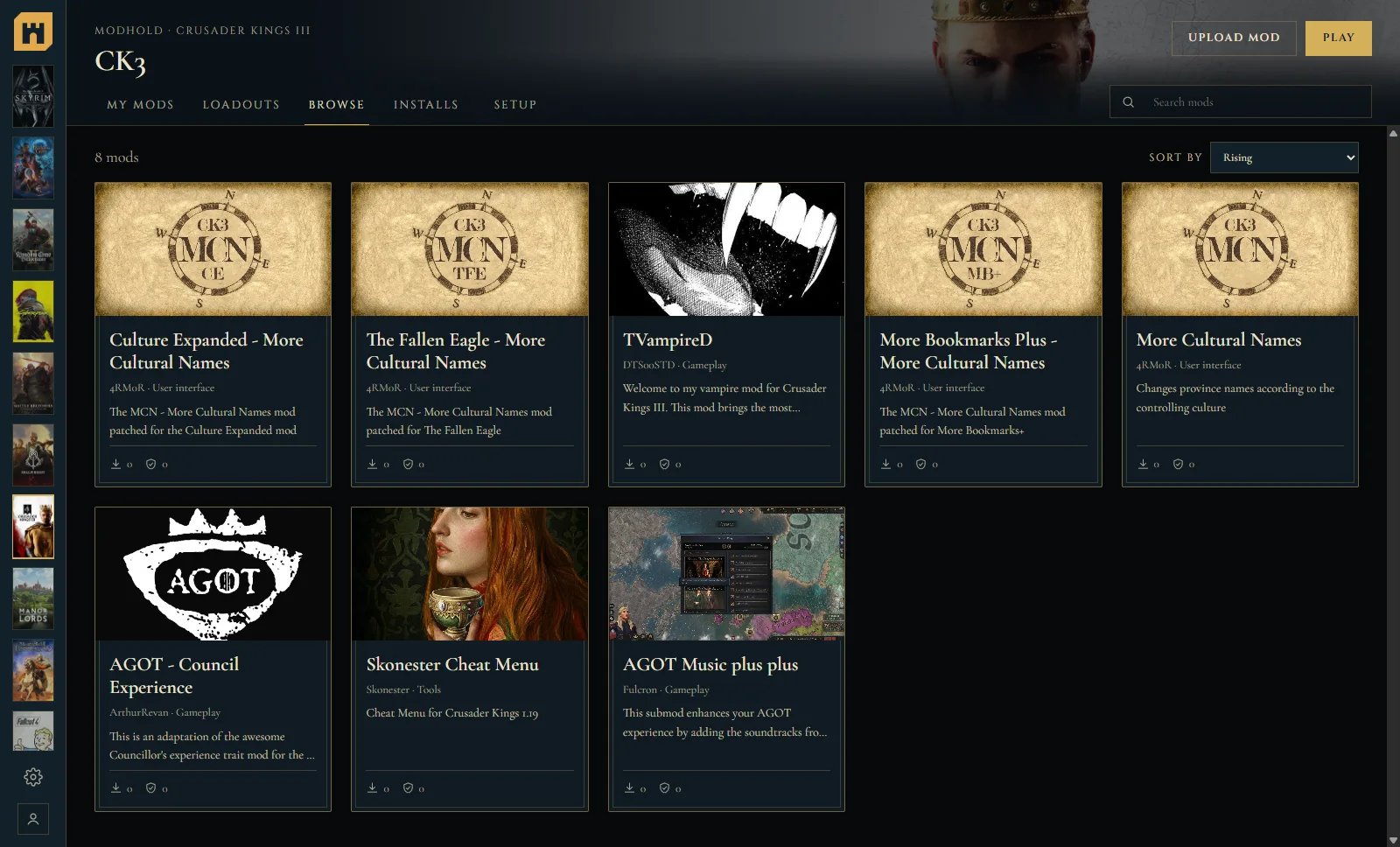



Play from the app
Start the game from its page: through your MO2 or Wabbajack setup (SKSE and the like), through Steam, Battle.net or the Minecraft Launcher.
Your setup stays yours
A mod you put in by hand is never deleted, two mods that share a folder share one copy, and an update that gets cut off leaves the old version whole.
Installs that count
Every mod you install through the app counts as a download for its author, the same as on the site.
Your games, in one app







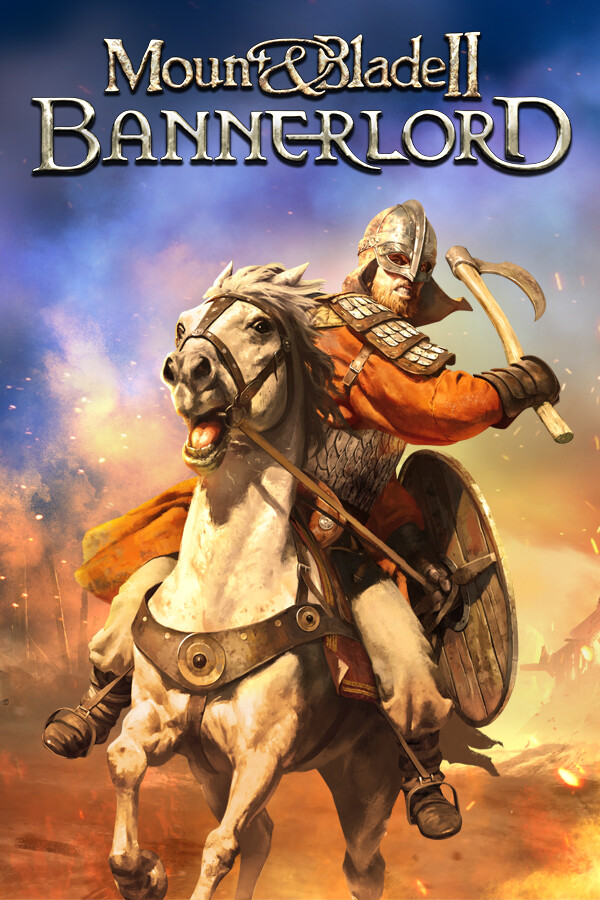
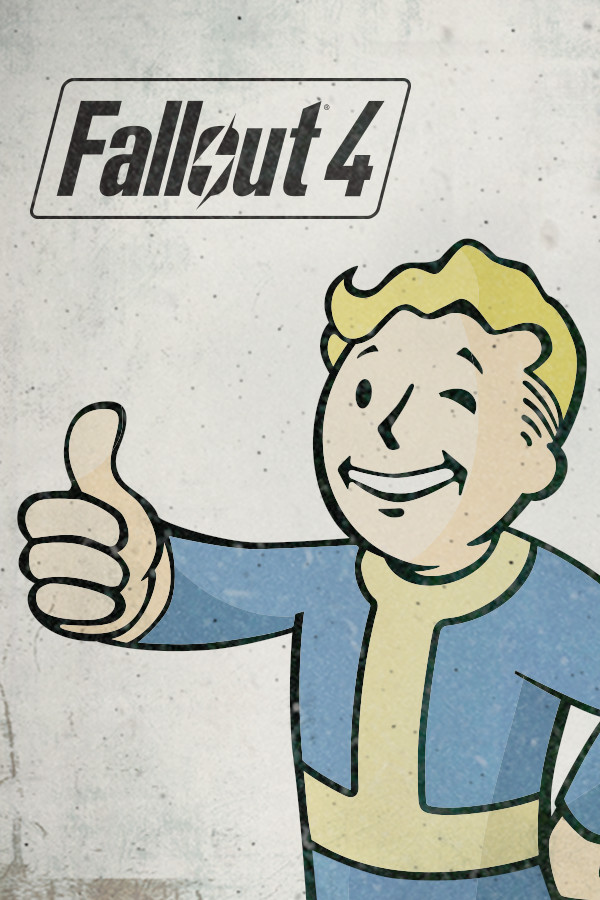
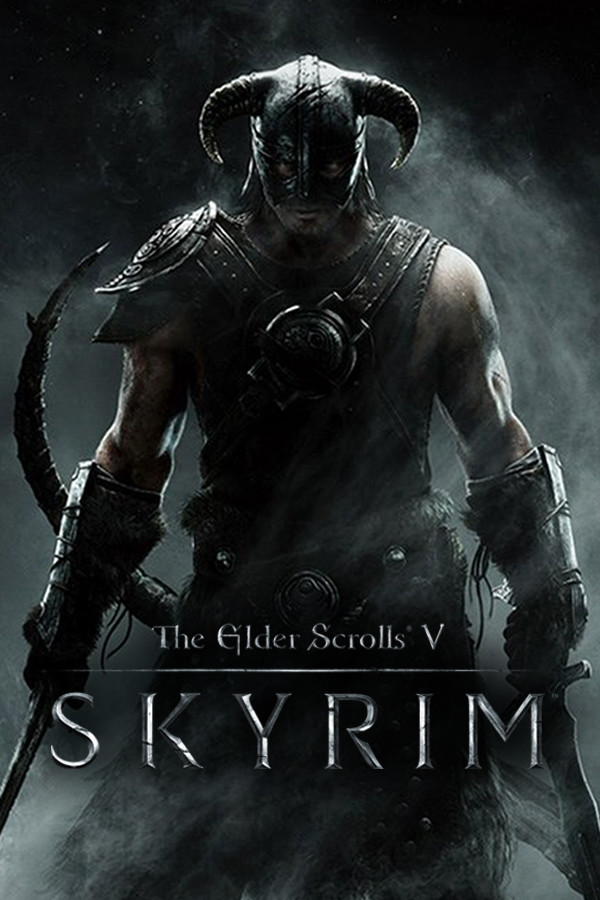
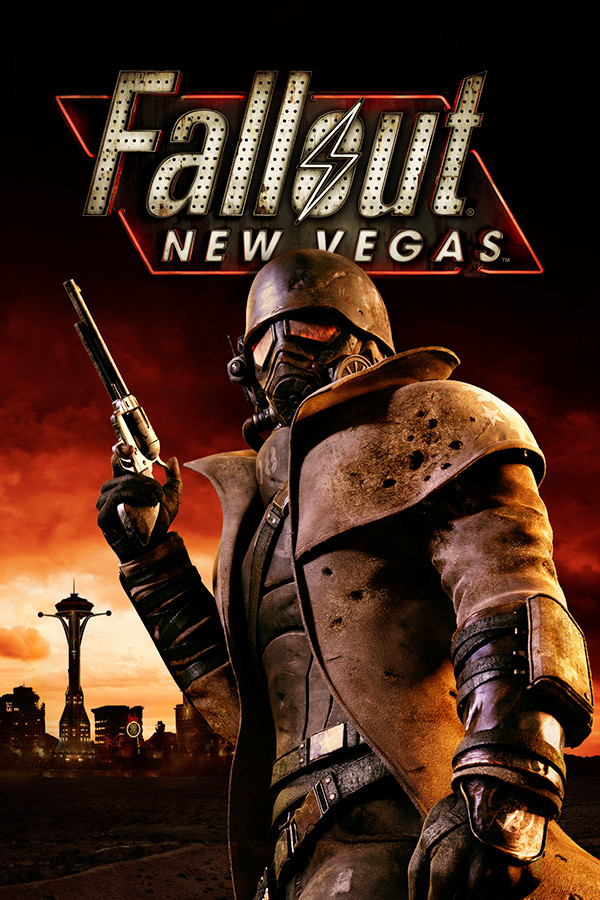
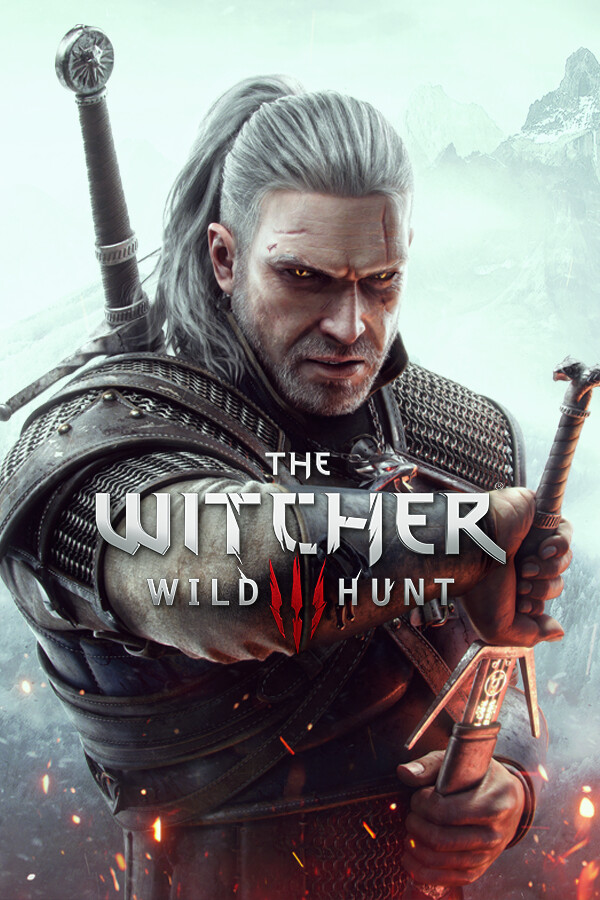
Plus Minecraft, and every other game MO2 manages: Skyrim, Fallout 3 and New Vegas, Oblivion, Morrowind, Bannerlord, The Witcher 3 and more.
Get the Modhold app
Free. Sign in once and every Install button on Modhold opens in the app.
Windows 10 or 11, 64-bit. Nothing else to install (it uses Microsoft's WebView2, which Windows 11 and an up-to-date Windows 10 already have). The app isn't code-signed yet, so the first time you open it Windows may say "Windows protected your PC": click More info, then Run anyway. It updates itself. Vortex isn't supported: the app installs through MO2 and Wabbajack.